Why Should You Create Public Preview for Drafts in WordPress?
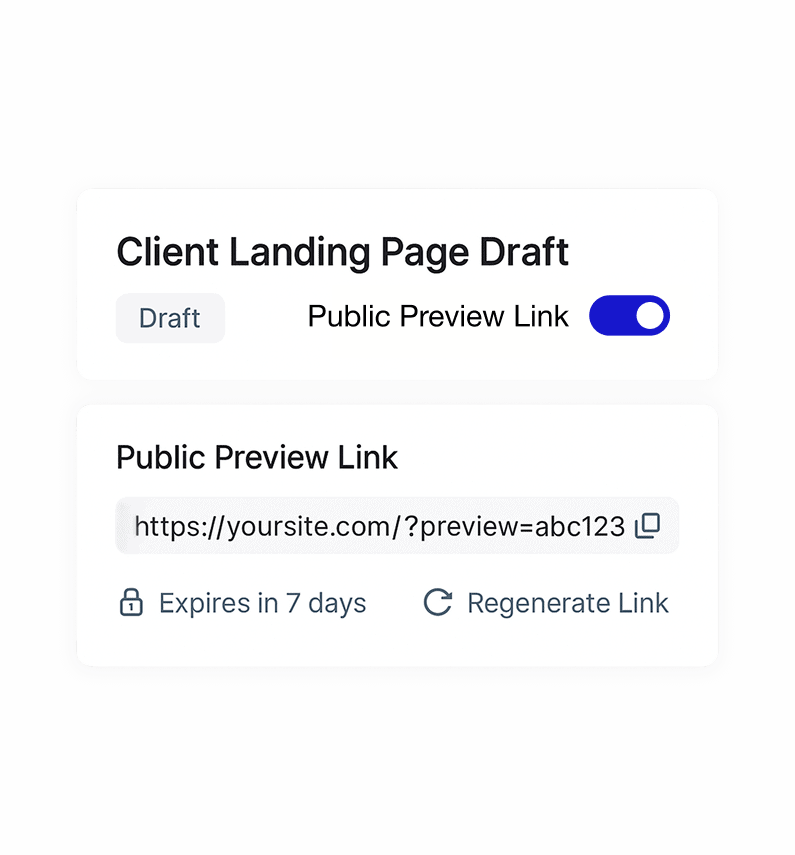
Share Draft Content without Publishing It
WordPress doesn’t let you show draft pages to clients or teammates by default. Public Preview for Drafts creates a safe preview link so others can view content before it goes live.
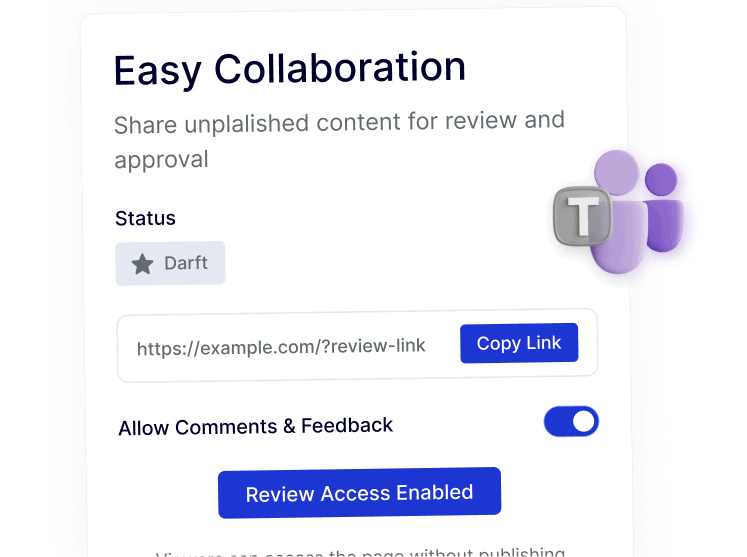
Control Who Can View Draft Previews
Draft links shouldn’t be public forever. Limit access to specific users, require login, or keep previews private so only the right people can see unpublished content.
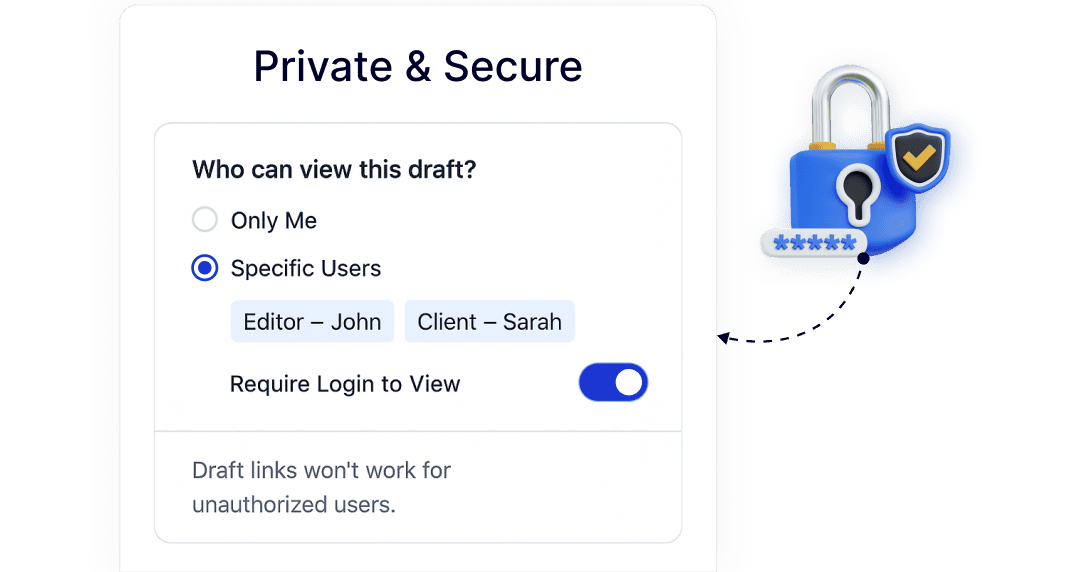
Collect Feedback without Screenshots or PDFs
Reviews often happen over screenshots, emails, or copied text. Preview links let reviewers see the real page layout and leave clear feedback on the actual draft.
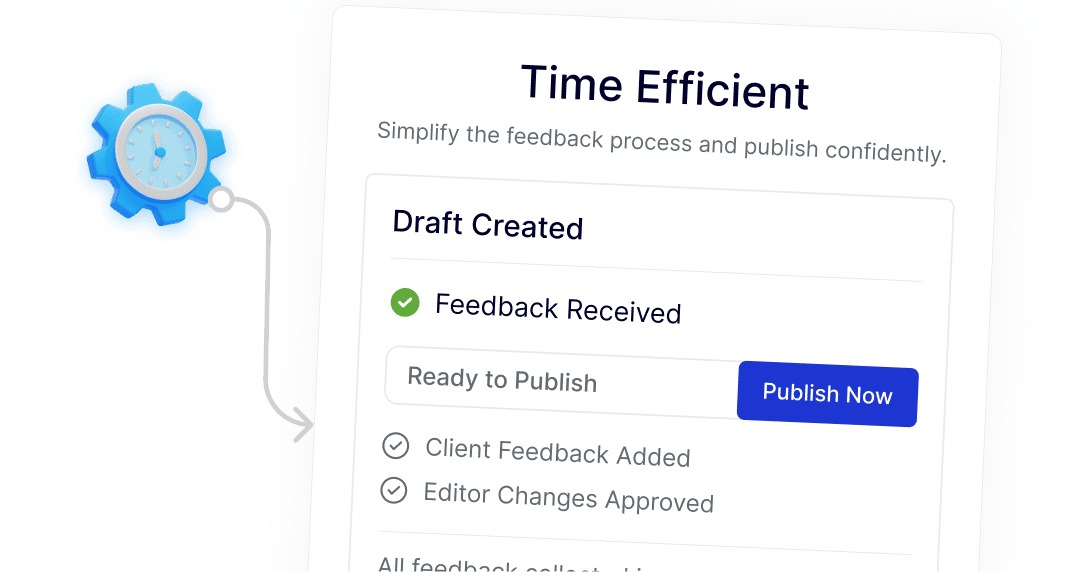
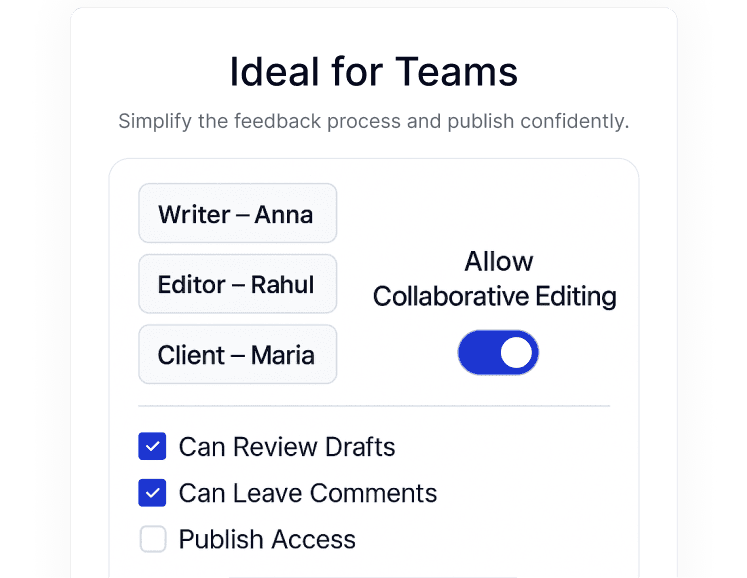
Manage Client and Team Reviews in One Place
Agencies and multi-author sites need simple review workflows. Public previews make it easy for writers, editors, and clients to review drafts without extra plugins or setup.